Dark mode for Safari
A calmer web,
every night.
Duskwise intelligently recolors each page instead of simply inverting it, keeping contrast, highlights, and visual hierarchy comfortable after dark.
Designed for Safari on iPhone, iPad, and Mac.
Built for the web after dark
Dark mode that respects the page.
Duskwise preserves the layout and hierarchy you expect while replacing harsh white surfaces with comfortable, readable tones.

Instant Safari control
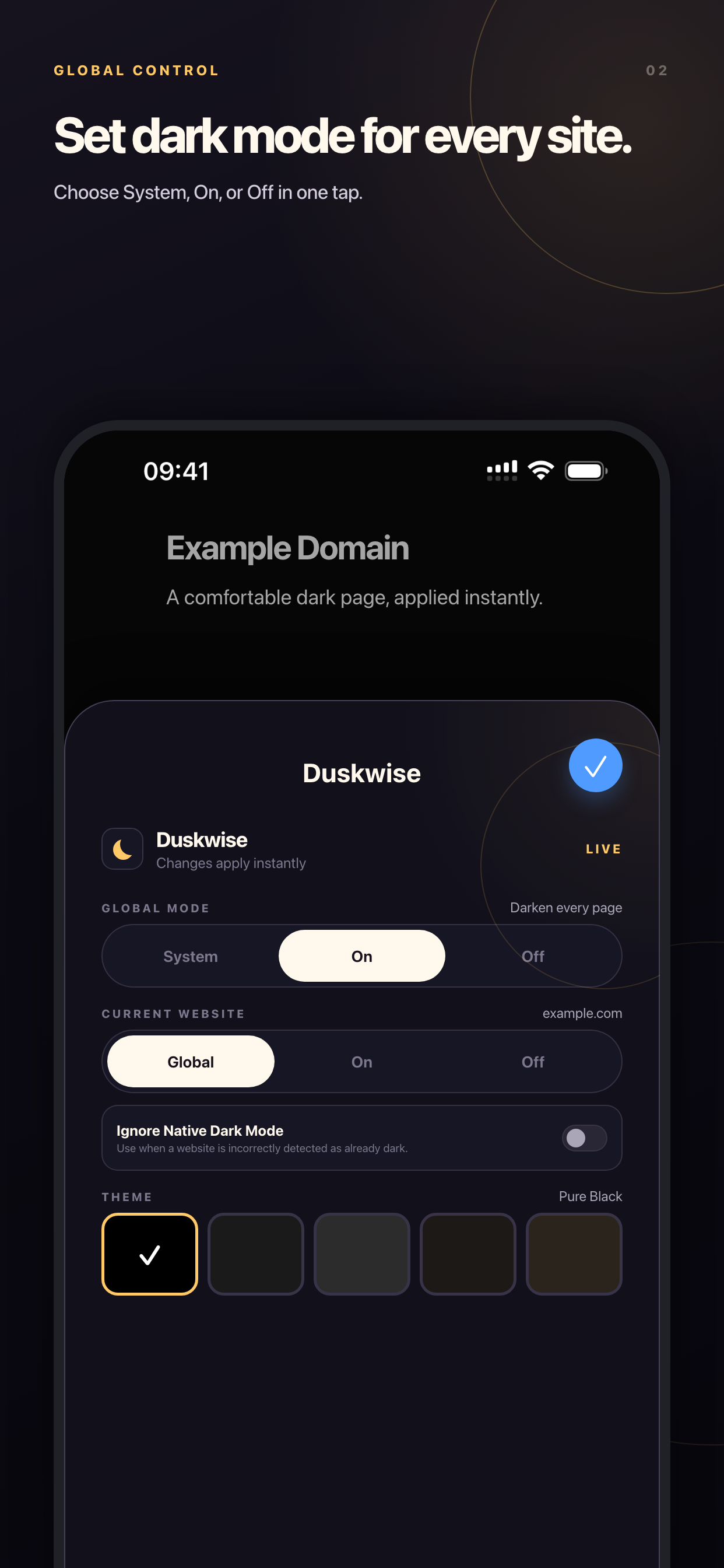
Change the whole web in one click.
Follow your system appearance, keep pages dark, or leave them unchanged. Updates apply immediately from the Safari extension.
- 01 System, On, and Off global modes
- 02 Fast access without leaving the page
- 03 Override unreliable built-in dark themes
Your web, your rules
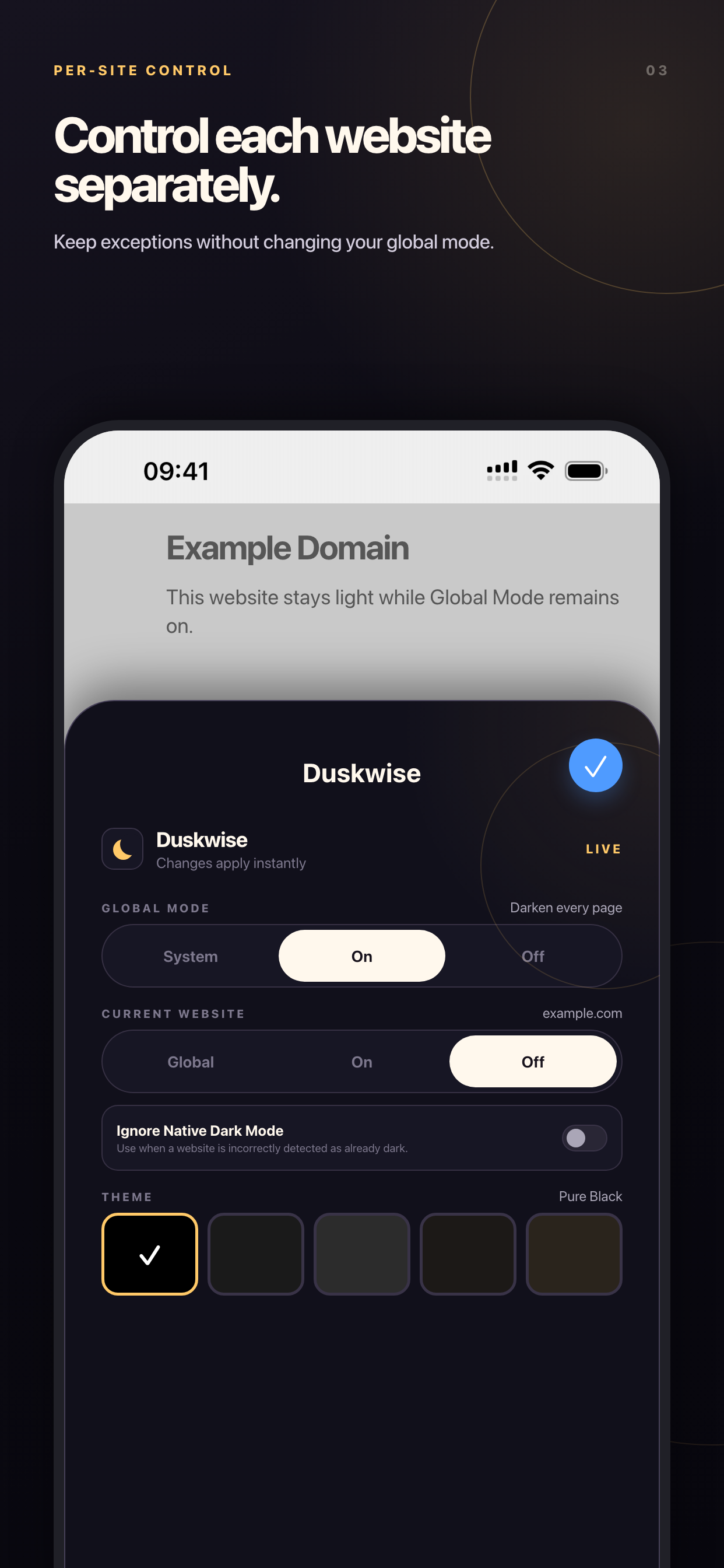
Fine-tune any website.
Let most sites follow your global preference, then create exceptions for the pages that need a different approach.
Five reading themes
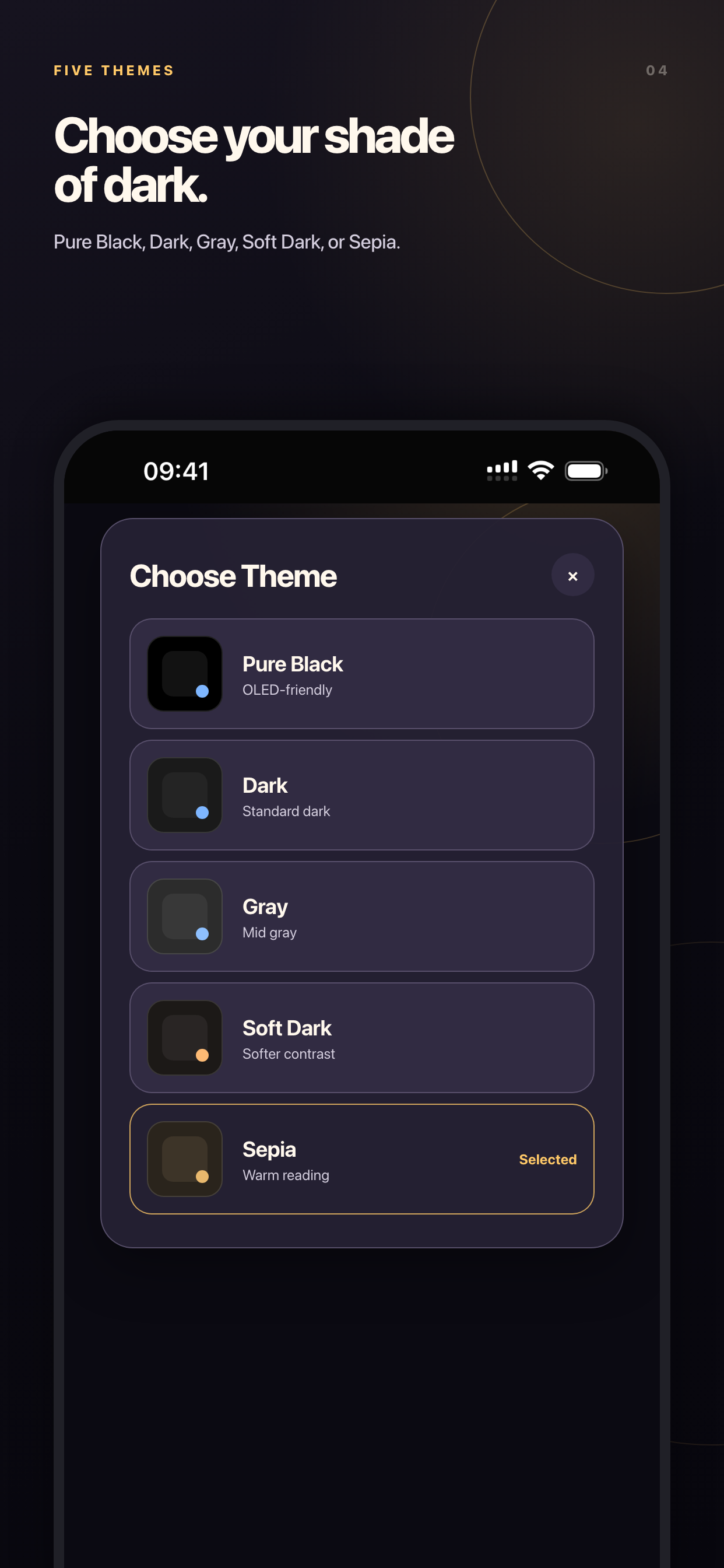
Find your perfect dark.
Choose the contrast and warmth that feels right for your display, your room, and the way you read.
Private by design
Your browsing is not our business.
Duskwise does not collect your browsing history, the websites you visit, or the contents of those pages. Dark styles are generated directly on your device.
Read the privacy policyReady in minutes
Turn down the glare.
- 1Open Duskwise
Start with the companion app.
- 2Enable the extension
Turn on Duskwise in Safari.
- 3Allow website access
Choose All Websites.
- 4Choose your mode
Set System or On and browse.

Duskwise
Dark mode for Safari.
Your way.
One carefully designed experience for iPhone, iPad, and Mac.